1. Purpose
This document describes how Vulnerable Items (VITs) are automatically closed when the associated Configuration Item (CI) is retired in the ServiceNow CMDB, and how that closure runs on a daily basis. It covers the issue the customer reported, the cause, the rule configuration, and how to validate it.
2. Background and Issue
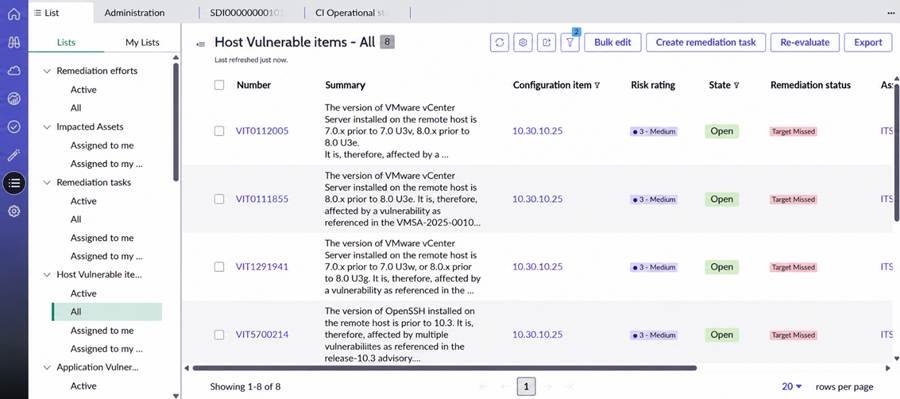
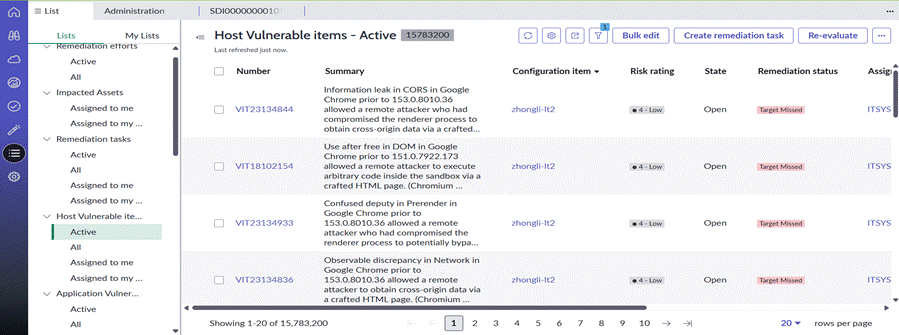
The customer observed that VITs for retired CIs were being closed only after 90 days, not when the CI was retired. The customer’s requirement is:
- When a CI’s Operational status is set to Retired, its VITs should be closed automatically, without waiting for the 90-day rules.
3. Existing Auto-Close Rules
| Rule | Condition | Execution order | Result |
| CI decommissioned | Discovered item State = CI Decommissioned | 1 | Closes detections for decommissioned CIs |
| Assets last scanned 90 days ago | Discovered item Last scan < 90 days ago | 100 | Closes VITs for assets not scanned in 90+ days |
| Detection not been found in over 90 days | Last found < 90 days ago | 100 | Moves detections to Stale |
4. Root Cause
The “CI decommissioned” rule only matches when the Discovered item State is CI Decommissioned. Setting a CI’s Operational status to Retired does not change that state on its own, so the rule did not match. The VITs stayed open until the 90-day rules closed them.
5. Solution
A new custom auto-close rule evaluates the CI’s Operational status directly. The out-of-box “CI decommissioned” rule is read-only and stays unchanged.
Step 1: Create the new rule
Go to Vulnerability Response > Administration > Configuration and open the auto-close rules. Create a new auto-close rule, or duplicate an editable rule such as “Assets last scanned 90 days ago”.
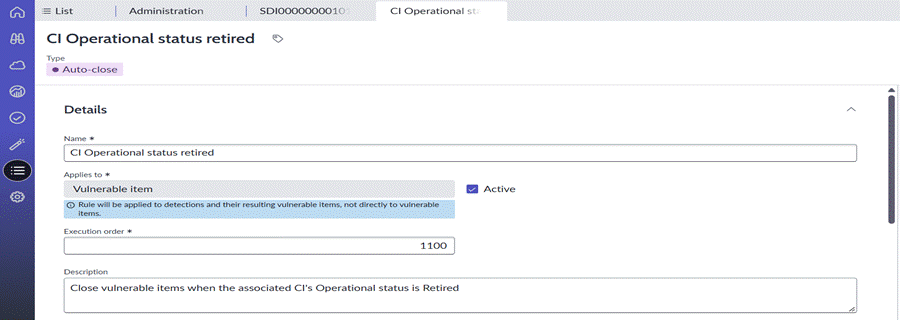
Step 2: Enter the rule details
| Field | Value |
| Name | CI Operational status retired |
| Type | Auto-close |
| Applies to | Vulnerable item |
| Active | Yes |
| Execution order | 1100 |
| Description | Close vulnerable items when the associated CI’s Operational status is Retired |
Step 3: Set the condition
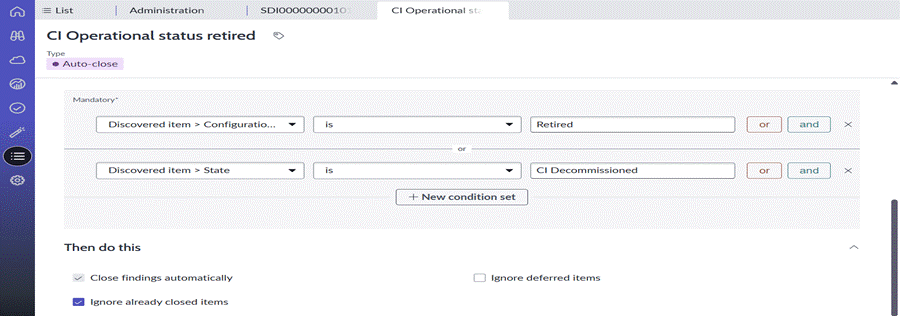
In If this condition is met, add two condition sets joined with or:
- Discovered item > Configuration item > Operational status is Retired
- Discovered item > State is CI Decommissioned
6. Daily Closure Behavior
Once active, the rule is evaluated as part of the platform’s regular auto-close processing, so VITs for CIs marked Retired are closed on a daily basis rather than after 90 days.
- Process that runs the rules: Auto-close Rule Processor
- Run frequency: daily at 09:30pm
- Expected result: VITs linked to a retired CI move to the closed state on the next run after the CI is retired.

7. Testing and Validation
- Select a test CI with open VITs.
- Set its Operational status to Retired.
- Wait for the next scheduled run, or trigger it manually if the release allows.
- Confirm the VITs close with the expected state and work note.